

将文件复制到正在运行的 Docker 容器中
AWS AI 直播!
有时您需要在正在运行的 Docker 容器和本地文件系统之间复制文件。例如,如果您正在运行本地 Web 服务器并想要更新 HTML 文件,这可能会很有用。
该命令docker cp允许您将文件从本地文件系统复制到正在运行的 Docker 容器中,反之亦然。
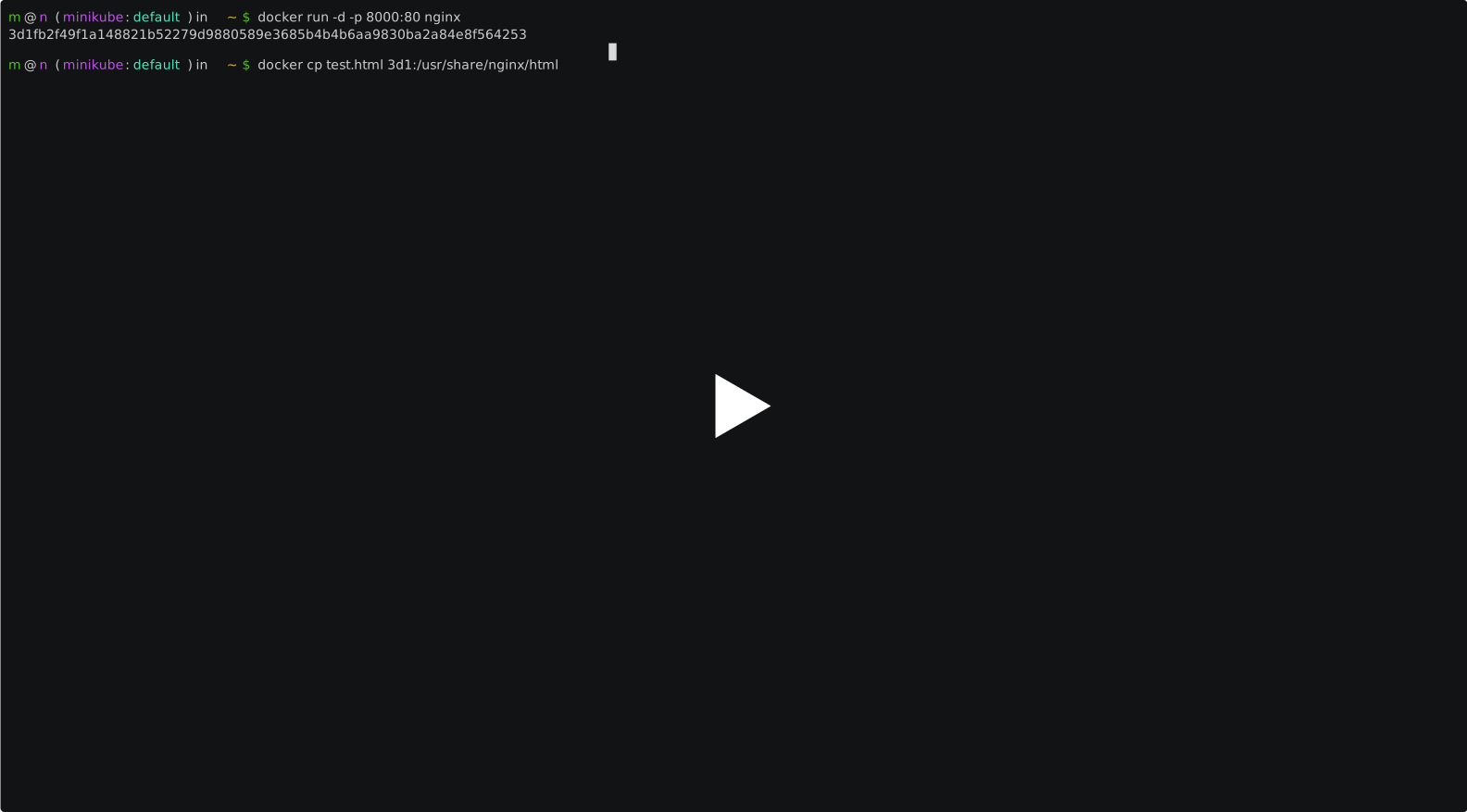
假设您已经有一个正在运行的 NGINX 容器。如果没有,您可以使用以下命令运行容器docker run -d -p 8000:80 nginx。
CONTAINER ID        IMAGE               COMMAND                  CREATED             STATUS              PORTS                  NAMES
3d1fb2f49f1a        nginx               "nginx -g 'daemon of…"   9 hours ago         Up 9 hours          0.0.0.0:8000->80/tcp   nifty_mirzakhani
现在您可以使用以下命令将 HTML 文件复制到 NGINX 根文件夹(在本例中/usr/share/nginx/html)docker cp:
docker cp test.html 3d1fb2f49f1a:/usr/share/nginx/html
          ^         ^            ^
          |         |            |= destination path within the docker container
          |         |
          |         |= the id of the container in which you want to transfer the file
          |
          |= path to file you want to transfer
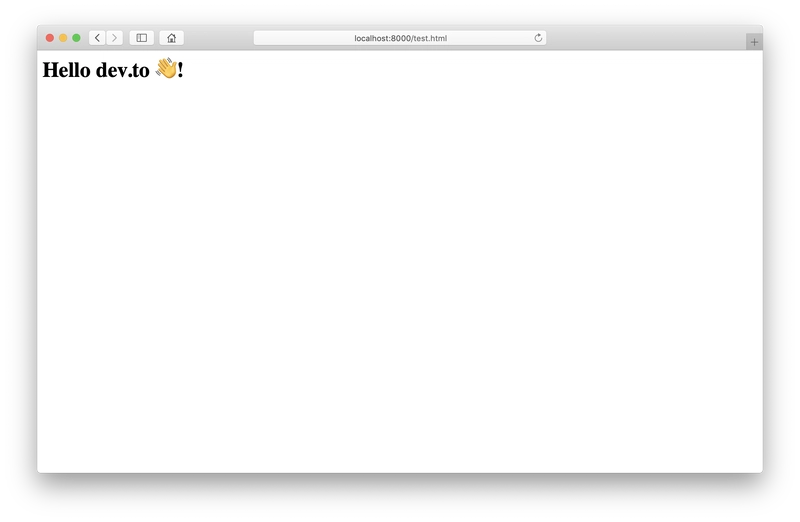
您现在可以在浏览器中访问您上传的文件(http://localhost:8000/test.html)。
下载文件
也可以将文件从容器复制到本地文件系统。
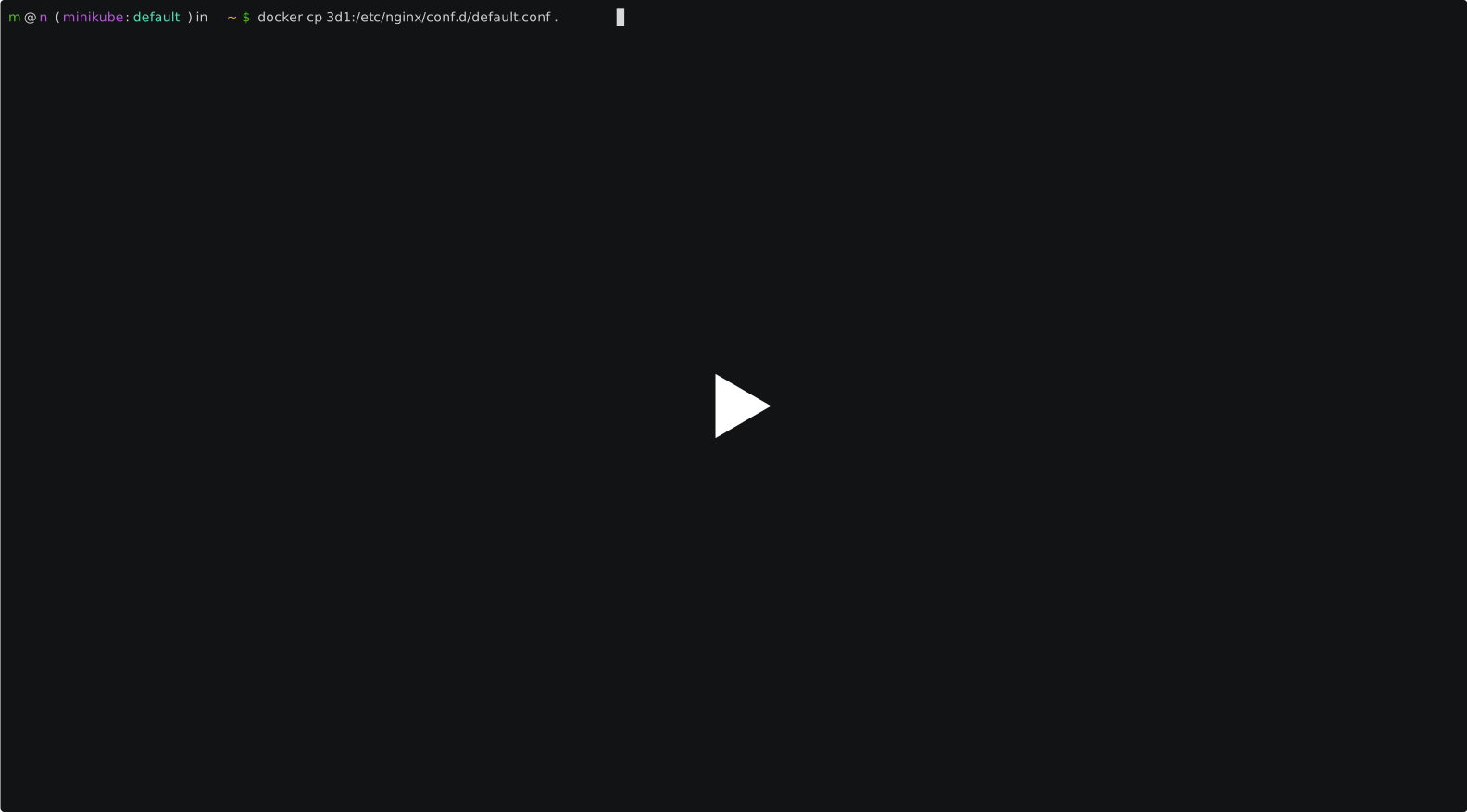
docker cp 3d1fb2f49f1a:/etc/nginx/conf.d/default.conf ~/
          ^            ^                              ^
          |            |                              |= destination path on your local machine
          |            |
          |            |= path to the file in your container
          |
          |= container id
路径信息
容器路径是相对于容器根目录的/,因此可以省略前导斜杠。
以下两种路径均有效:/etc/nginx/conf.d/default.conf和etc/nginx/conf.d/default.conf。
对于本地计算机路径,您可以使用绝对值和相对值。
如果你喜欢我的内容,不妨在推特上关注我:@fullstack_to
封面图片来自Unsplash用户Frank McKenna 。
文章来源:https://dev.to/matthias/copy-files-into-a-running-docker-container-4o6n